Introduction
Twozo is a Customer Relationship Management (CRM) tool designed to help businesses manage interactions with current and potential customers. It centralizes customer information, streamlines processes, and enhances overall customer relationships. Key features include contact management, sales tracking, task automation, and analytics. Twozo improves customer satisfaction, boosts sales, and increases efficiency, making it essential for business growth and success.
Key Features of Twozo
-
Centralized Data: With Twozo, all your customer information is centralized in one place for easy access and better organization. You can manage detailed profiles for both contacts and companies, ensuring you have all the necessary information at your fingertips. This unified approach helps you maintain a comprehensive view of each customer, improving your ability to provide personalized service and build lasting relationships.
-
Pipeline Management: Twozo offers visual pipelines that help you track your sales process from lead to customer. You can create multiple customized pipelines to manage various business processes effectively.
-
Activity Tracking: Keeping track of tasks, calls, and events is simple with Twozo's activity management features. You can log all interactions and follow-ups, ensuring you stay organized and never miss an important action.
-
Integrated Communication: Twozo provides various channels for communication, such as email, social media, and phone in a single platform. This centralization allows you to manage all customer interactions from one place, improving response time.
-
Automation and Workflow: Twozo automates repetitive tasks and streamlines workflows, saving time and reducing errors. Create tailored workflows with triggers and actions to ensure smooth operations and consistent task completion. Tasks like follow-up emails, record updates, task assignments and allow actions can be automatically triggered after a stage is moved to another stage.
-
Advanced Reporting and Analytics: Generate detailed reports with Twozo’s analytics tools to understand sales performance and customer data. Use these insights to make data-driven decisions and optimize your business processes.
Account Creation and Setup
This section guides you though creating and setting up your Twozo account. You'll find step-by-step instructions for account registration and the initial configuration to ensure your setup is smooth and ready for use.
Creating Your Twozo Account
This section provides step-by-step instructions to help you register your new Twozo account. Follow the outlined steps to complete the registration process.
-
Open the Twozo app or visit the Twozo website in your browser.
-
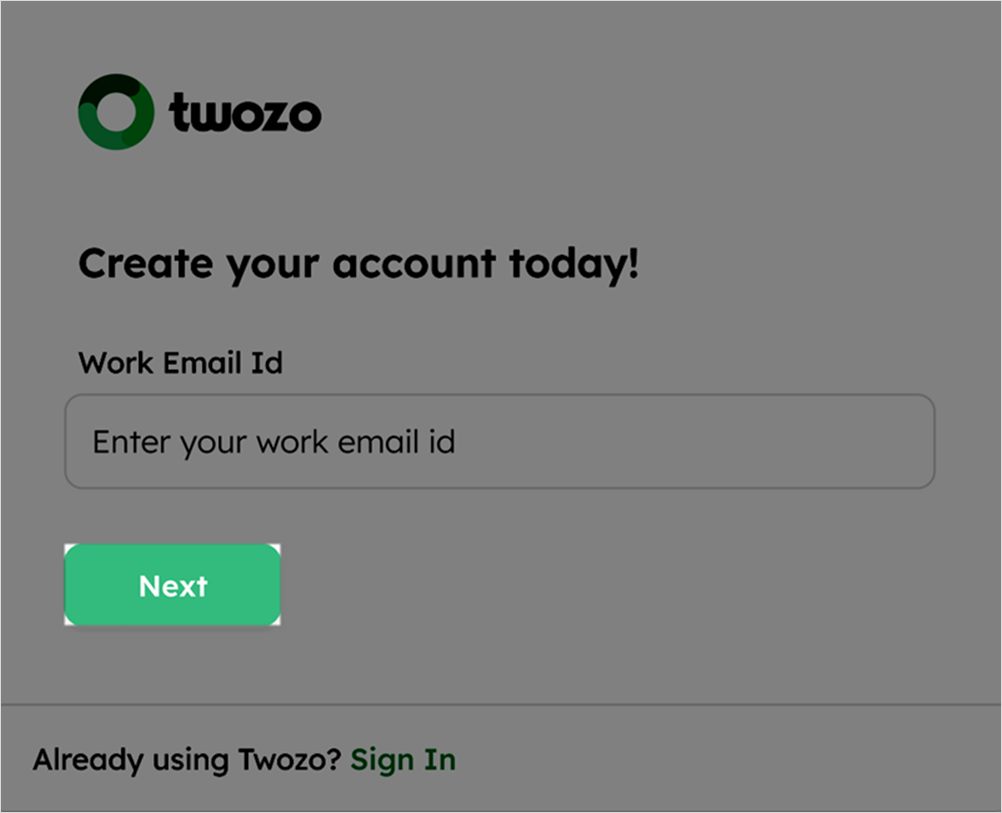
From the Sign Up screen, enter your Work Email Id, and click Next to proceed.
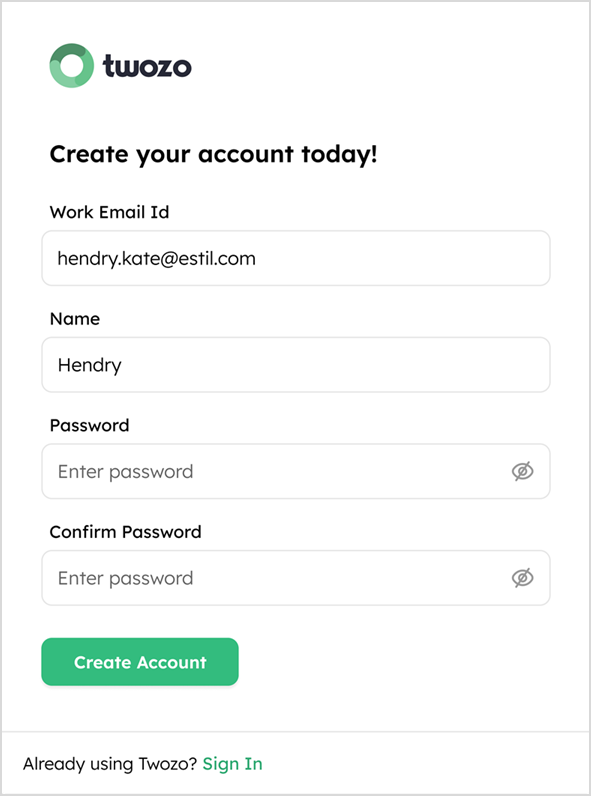
- On the Create Account screen, enter your Name, create a secure Password, and click Create Account to continue.
Passwords must contain at least one lowercase letter, one uppercase letter, one number, one special character, and be 8-16 characters long.
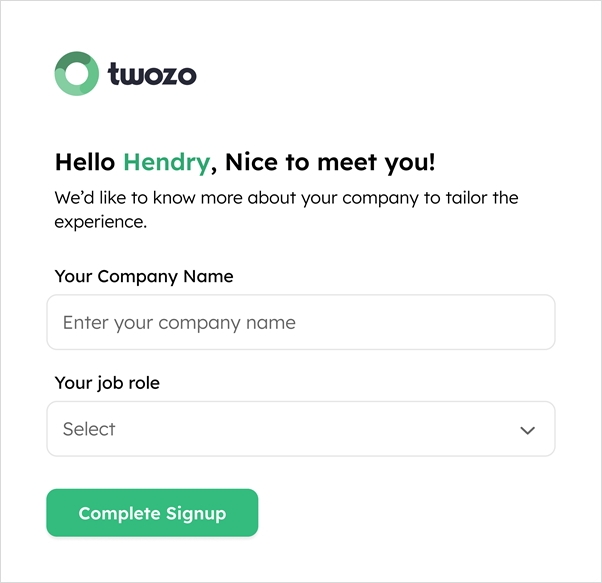
- On the next screen, enter Your Company Name and Your job role, then click Complete Signup to finalize your account creation.
-
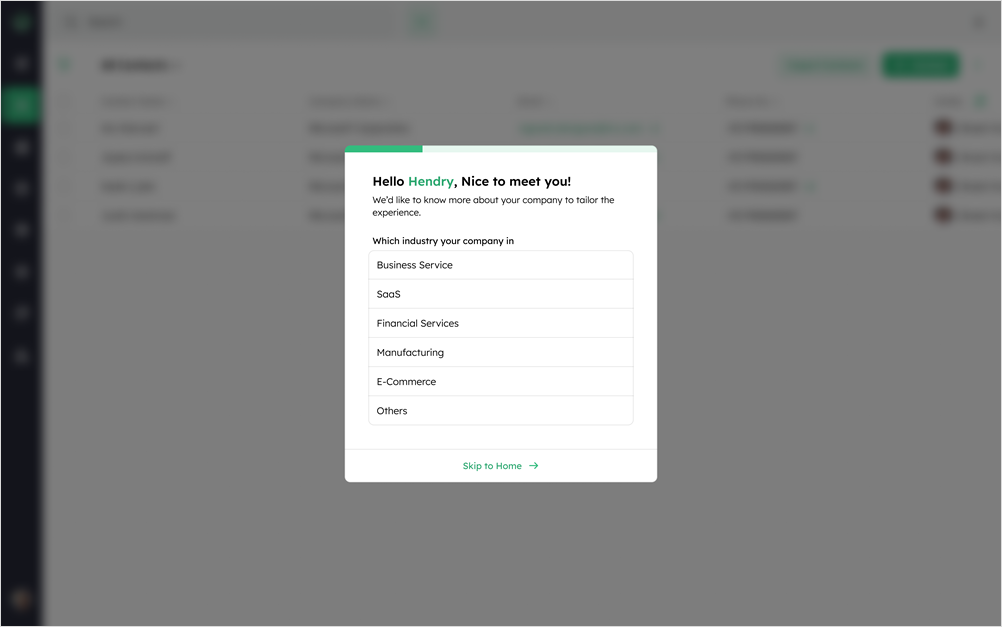
Upcoming steps are optional and can be skipped if not relevant.
-
Fill in the requested details, such as Which industry your company in, How big is your company, and any other relevant information.
Sign In
-
Go to the Twozo login page.
-
Enter your Work Email Id and Password, then click Sign In.
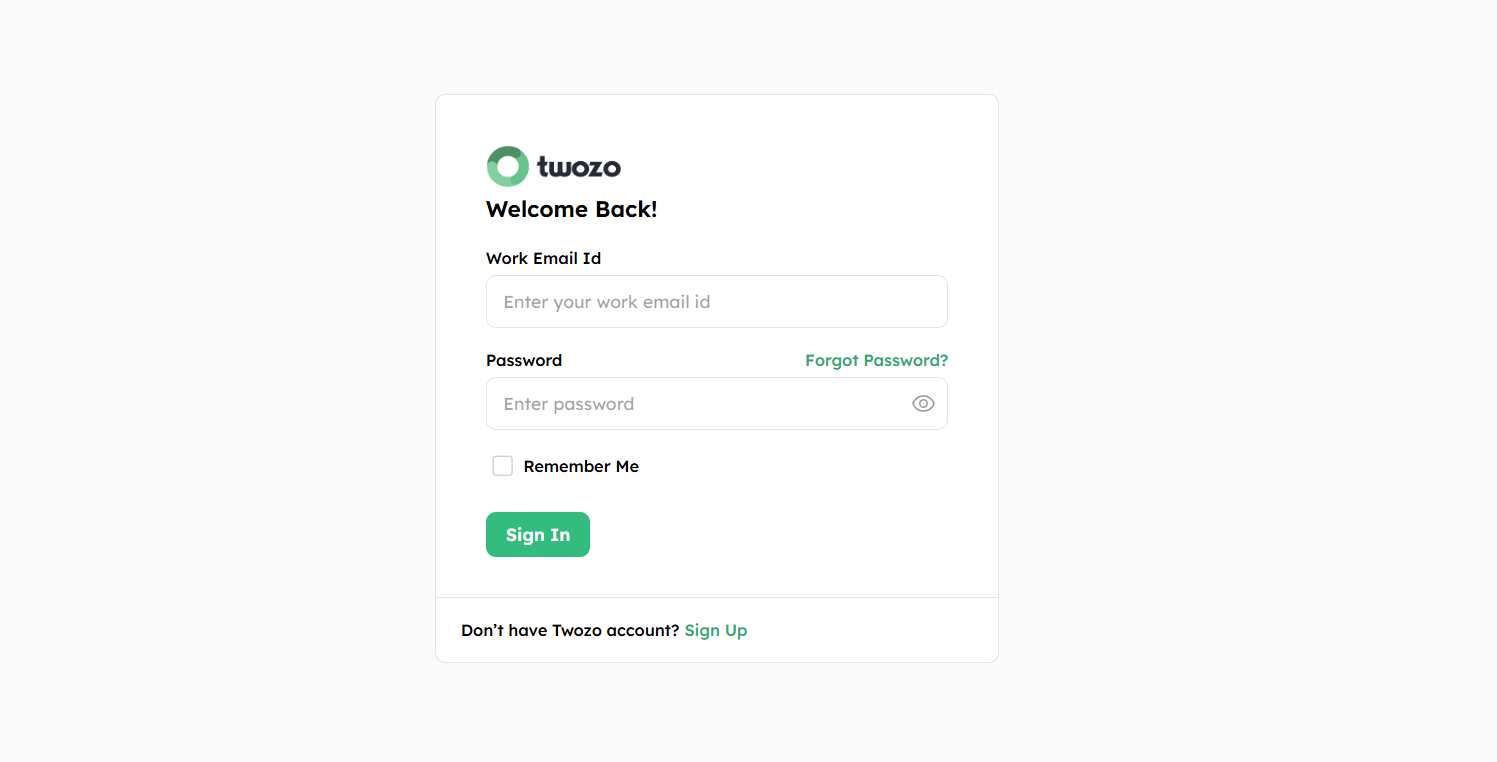
- Select the Remember Me checkbox, if you want to save your login details for future sessions.
Home Page Navigation
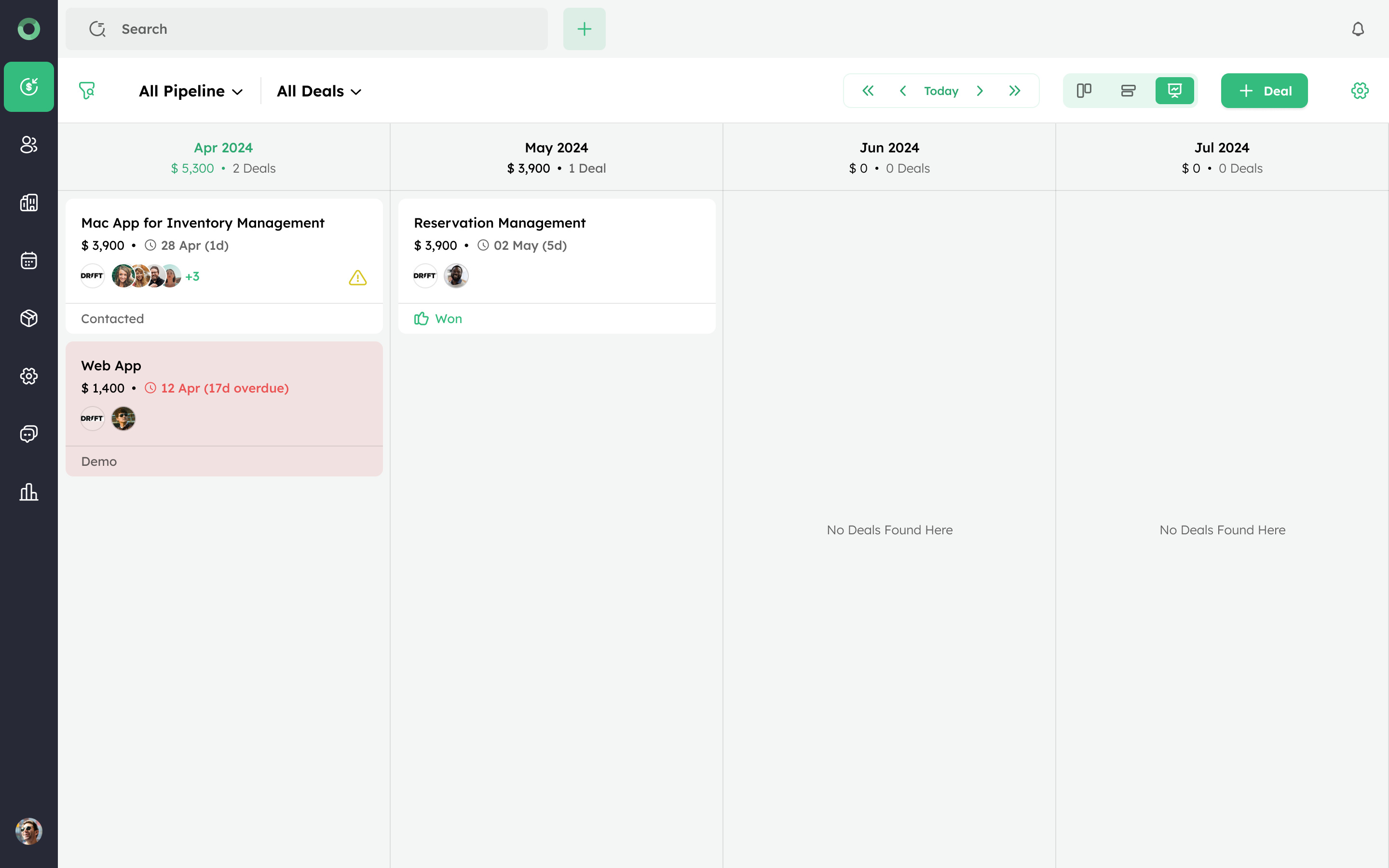
Let's start with the navigation on the Twozo homepage. The following layouts ensure you can efficiently manage sales activities, client relationships, communication, and analytics.
-
Deal Module: The deal section allows you to manage your sales pipeline, tracking the progress of various deals and updating their stages. You can view detailed information about each deal, such as its deal value, expected close date, deal stage, timelines, and monitor related activities.
-
Contact Module: Access and manage contacts with detailed profiles, communication history, and also manage the duplicates.
-
Company Module: The company section allows you to manage information about your business entities, including comprehensive profiles, contact details, and associated deals. You can track communication history, oversee related activities, and efficiently handle duplicate entries.
-
Product Module: View and manage a list of all products or services you offer. This can include details like product name, description, price, and any relevant categories or tags.
-
Admin Settings: In admin settings, users with the admin role can access various configuration options, including contact sync, calendar sync, email sync, and data field management. Admins can also adjust notifications, manage currency settings, configure account settings, manage workflows, customize templates, and adjust other preferences to meet specific business needs. They have control over user roles and permissions, allowing for the addition or removal of users and the assignment of appropriate access levels.
-
Email Module: It enables internal communication with team members and manages client communications. You can send and track emails, schedule follow-ups, and receive notifications for important updates.
-
Analytics: You can create reports in the Reports section covering a range of topics related to your sales and activity. Reports can be customized to focus on certain metrics or needs, and they can be created on team activities, sales performance, and pipeline health.
