Constraints and Default Fields
Which Data Points are Always Required by Default?
Default Required fields are critical for providing essential information when creating records. These fields are pre-set as mandatory and cannot be unchecked.
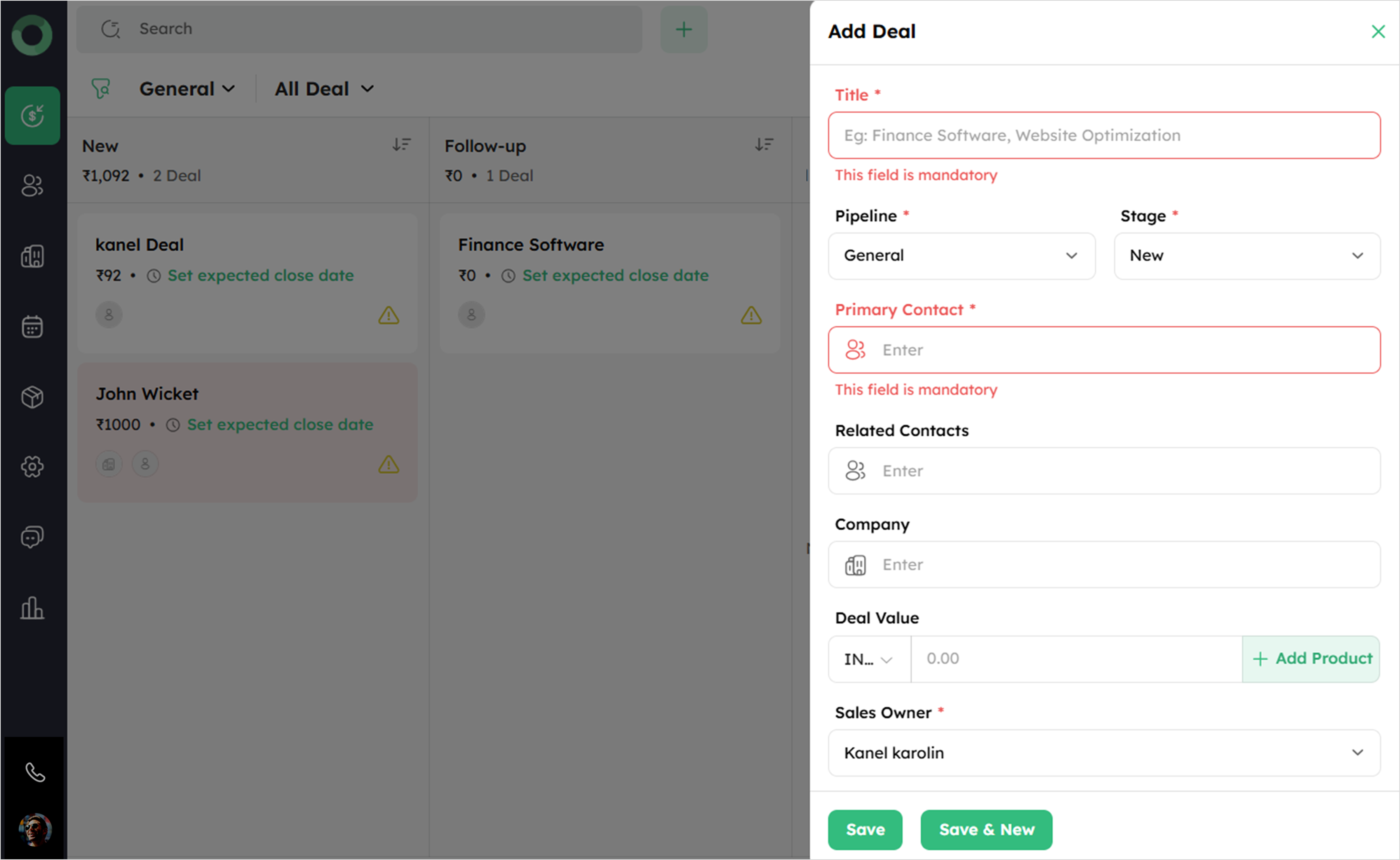
- Cannot add a contact, company, deal, or product without completing the required fields.
-
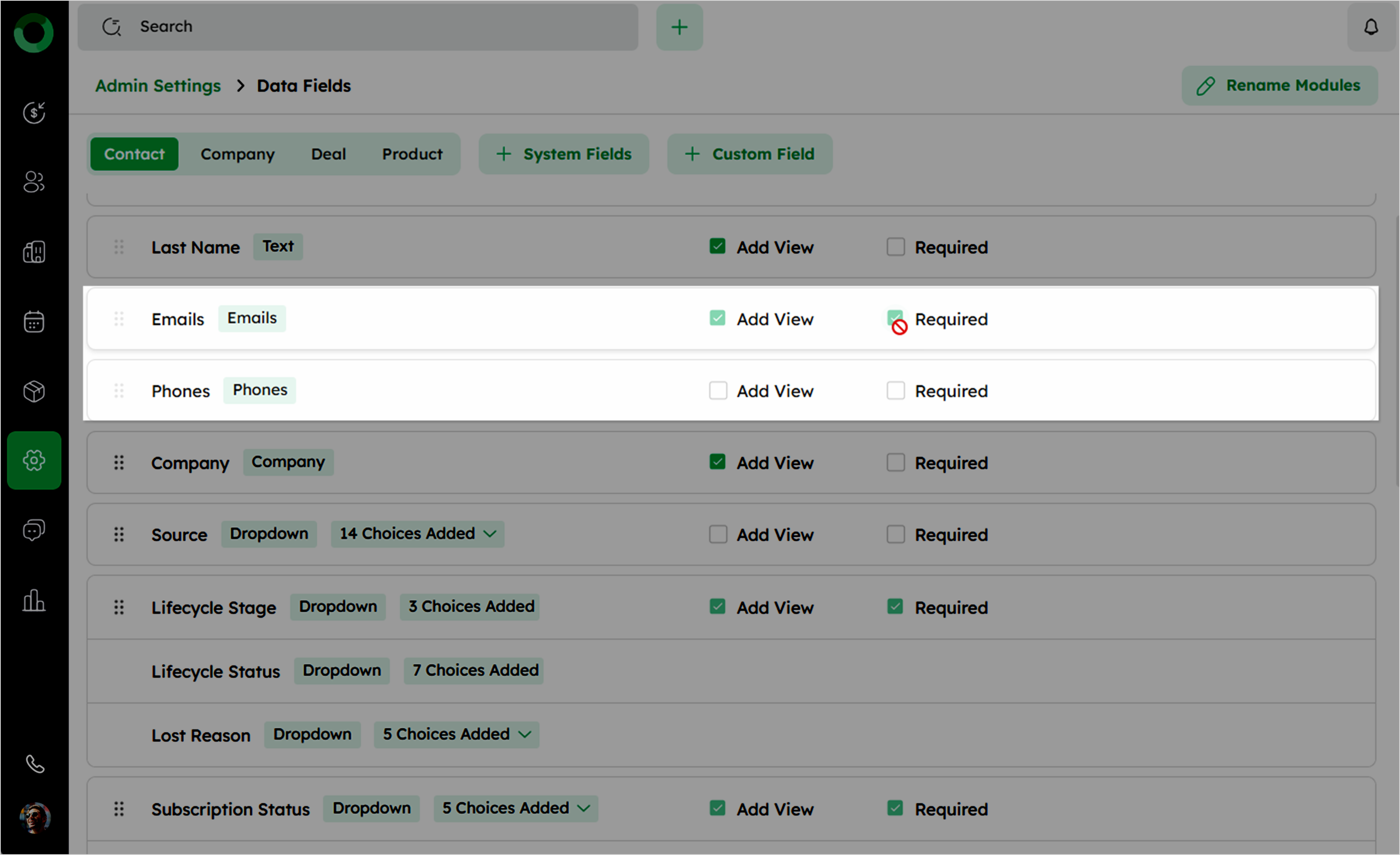
The Required option for the following fields remains permanently enabled and cannot be modified:
-
Deal: Deal Title, Pipeline, Won reason, Lost reason, Deal closed on, Primary Contact, and Sales owner.
-
Contact: First Name, Emails, Phones, and Sales owner.
-
Company: Company Name, and Sales owner.
-
Product: Product Name, and Sales owner.
-
If Email is marked as required, the Required option for Phone can be disabled, and vice versa. However, both cannot be disabled at the same time.
Default Fields: What's Visible in the 'Add New' View?
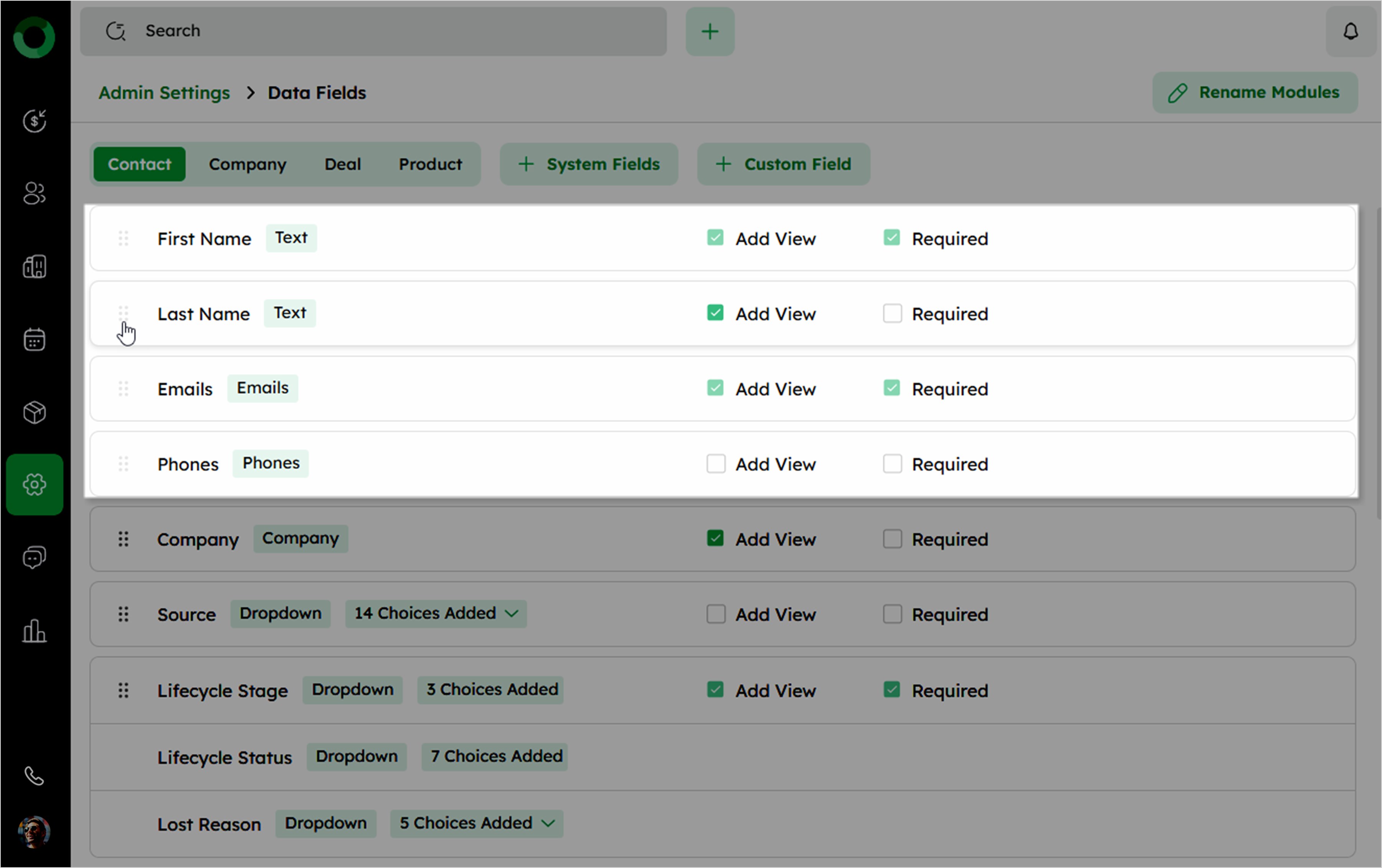
Default Add View fields ensure that key information is always visible when creating or editing records. These fields are pre-set to be visible and cannot be hidden.
-
The Add View option is enabled by default for the following fields:
-
Deal: Deal Title, Pipeline, Stage, Won reason, Lost reason, Deal closed on, Primary Contact, Related Contacts, Company, Deal value, and Sales owner.
-
Contact: First Name, Last Name, Emails, Phones, Company, Designation, Sales owner, LinkedIn, and Facebook.
-
Company: Company Name, Website, Sales owner, and Address.
-
Product: Product Name, Sales owner, Product code, Category, and Unit price.
-
-
The Add View option can be adjusted for these fields, except for the required fields.
Immovable Fields: Where Can't I Move This Data?
Immovable fields are specific fields in the data field list that cannot be rearranged or moved using drag-and-drop functionality to ensure uniformity.
-
The following fields are immovable and cannot be rearranged:
-
Deal: Deal Title, Pipeline, Stage, Won reason, Lost reason, Deal closed on, and Primary Contact.
-
Contact: First Name, Last Name, Emails, and Phones.
-
Company: Company Name.
-
Product: Product Name.
-
Not Allowed to Hide: Recognizing Always-Visible System Data
Certain fields are critical for maintaining data integrity and cannot be hidden from the data fields list. These fields are always displayed and remain visible to ensure consistent access to essential information.
-
The following fields cannot be hidden from the list or removed from the Summary or Add Form:
-
Deal: Deal Title, Pipeline, Stage, Won reason, Lost reason, Deal closed on, Primary Contact, Related Contacts, Company, Deal value, and Sales owner.
-
Contact: First Name, Last Name, Emails, Phones, Company, Designation, Sales owner, LinkedIn, and Facebook.
-
Company: Company Name, Website, and Sales owner.
-
Product: Product Name, and Sales owner.
-
-
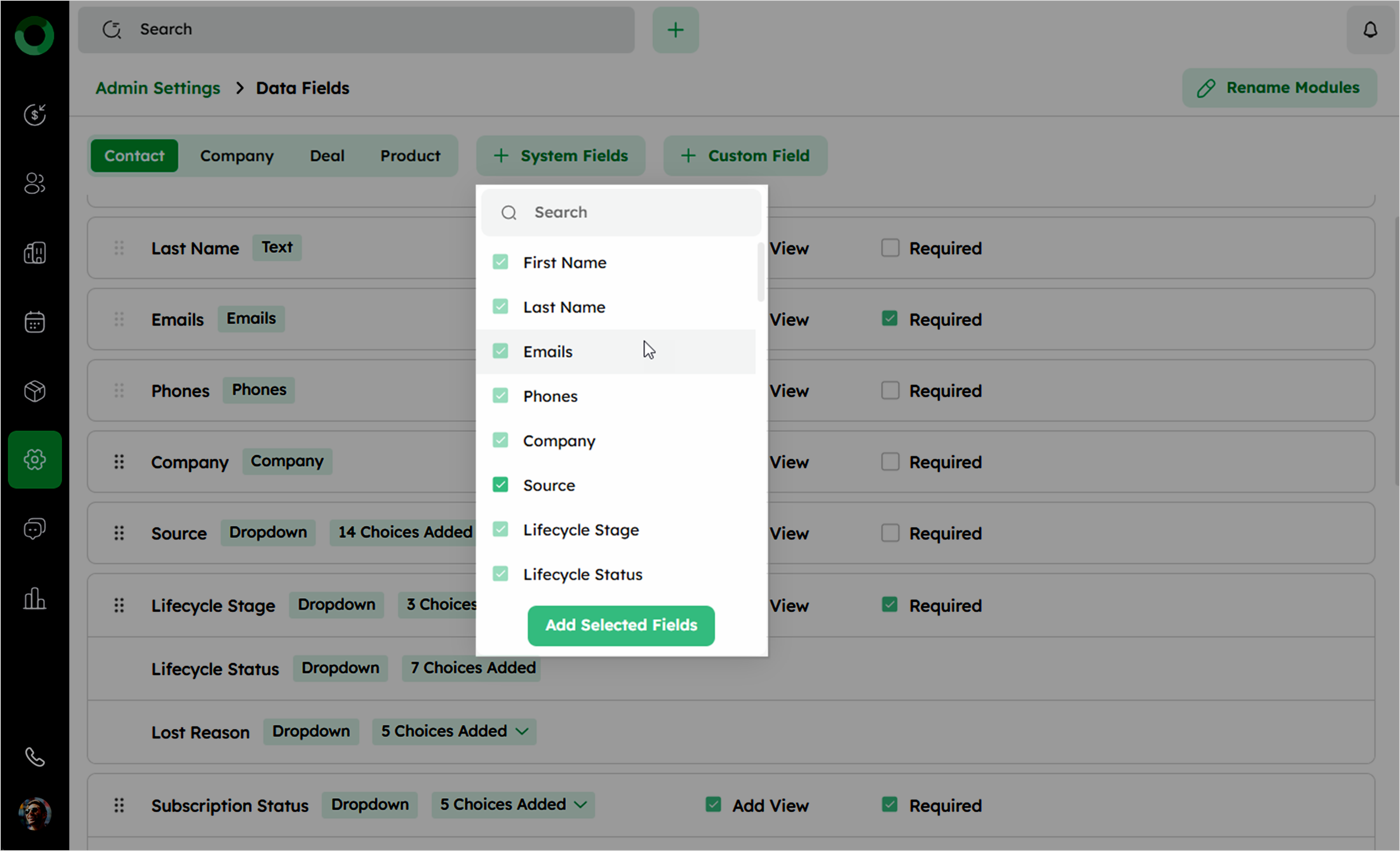
These fields are permanently visible and cannot be unchecked in the +System Field dropdown.