Product Deletion and Data Handling
Where Can a Product Be Deleted?
Products can be deleted from the Product List View, through Bulk Action, or from the Product Detail Page. Deleted products are moved to the Recycle Bin for 90 days, with the option to restore or permanently remove them. This ensures flexibility while protecting against accidental deletions.
What Happens When a Product Is Deleted?
When a product is deleted in Twozo, the following occurs:
-
The product is instantly removed from the deal's associated products list, including its quantity, price, or discount information tied to that product.
-
Analytics and reports that previously included the product data will no longer reflect the deleted product, potentially altering metrics like total deal value and revenue forecasts.
-
The deleted product is moved to the Recycle Bin, where it remains for 90 days, during this period, it can be restored.
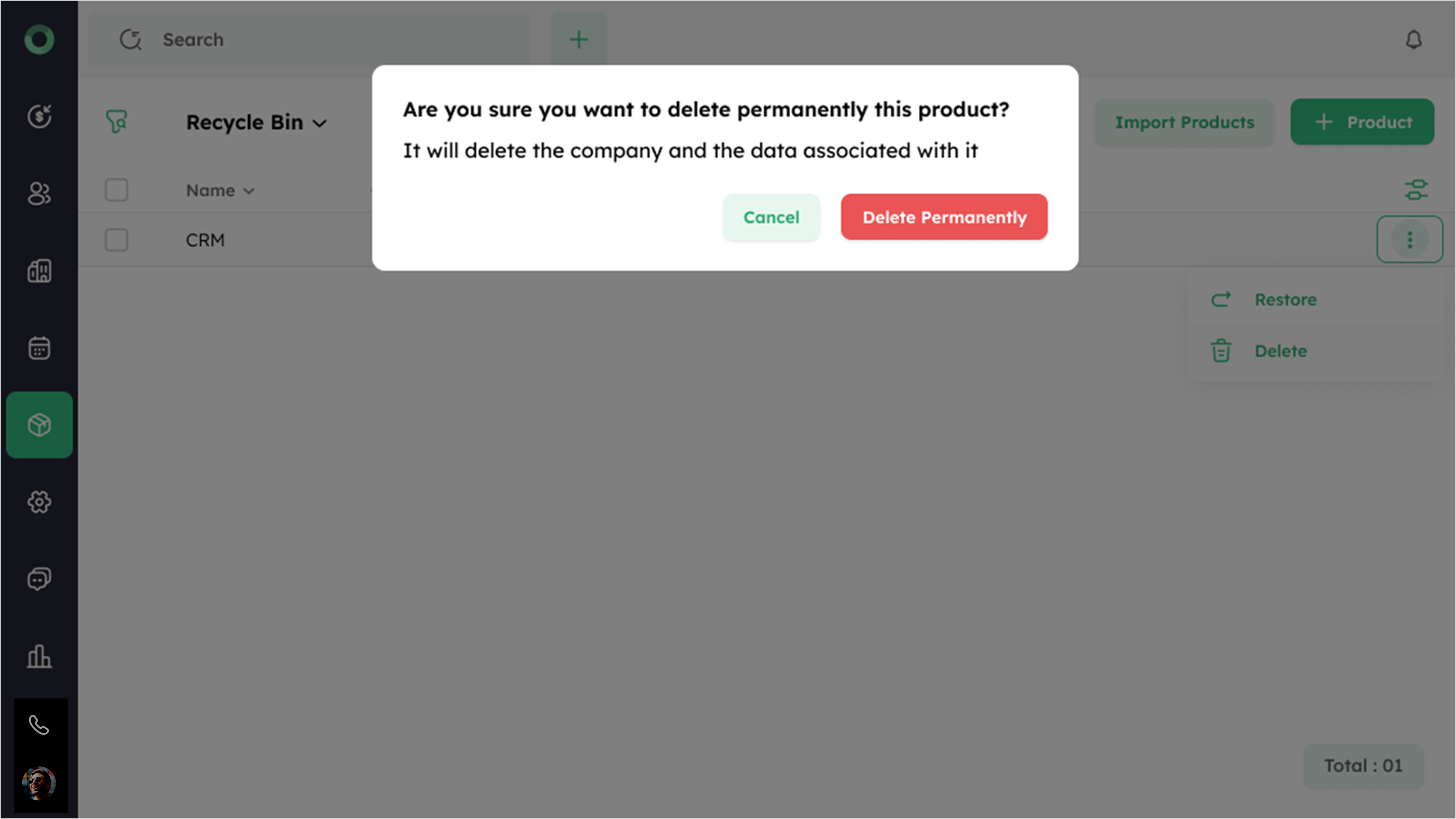
- After 90 days, the product is permanently deleted and cannot be recovered.
